
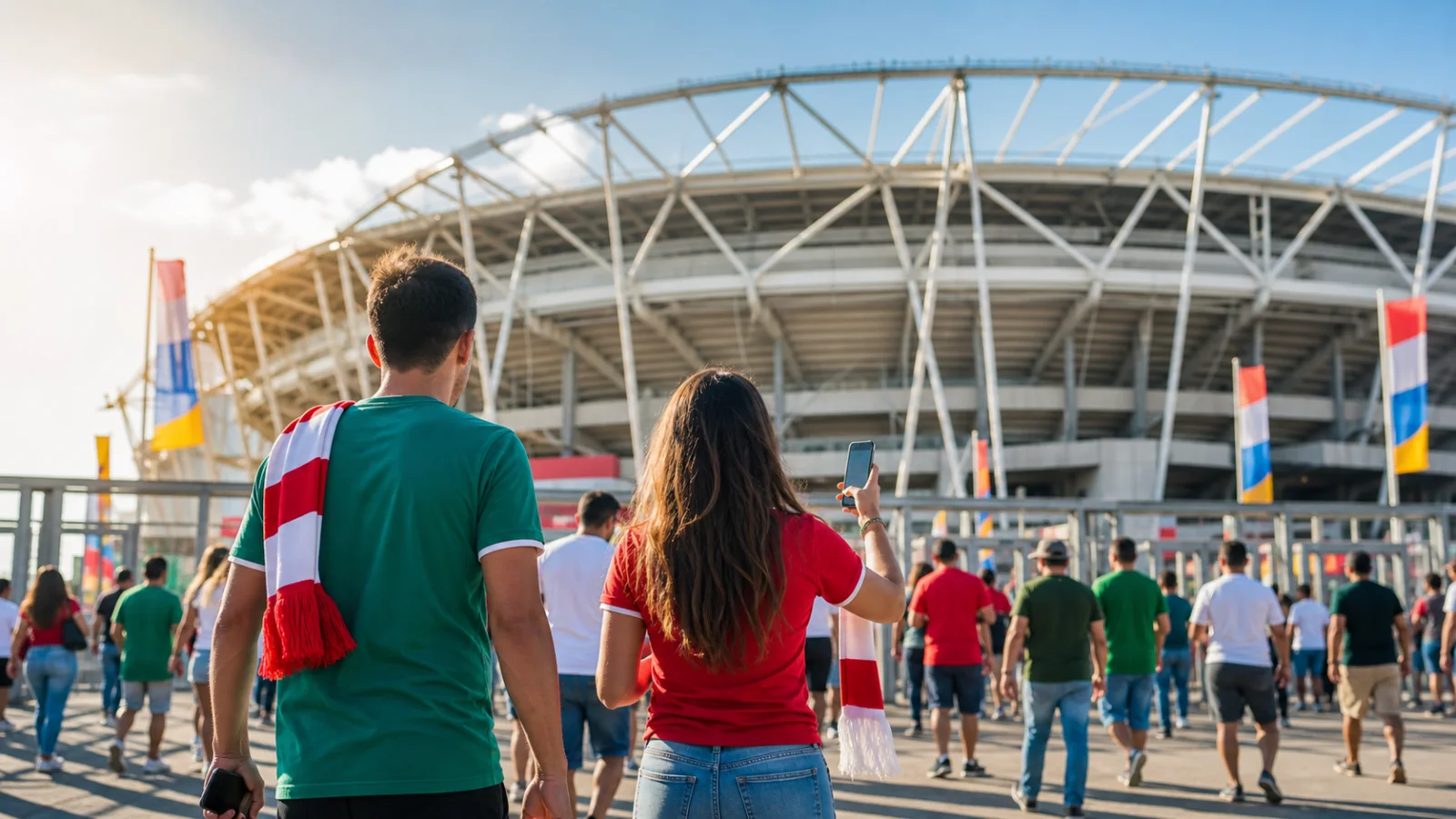
A practical World Cup 2026 guide to official broadcaster access, compatible devices, connection planning, audio setup and match-day preparation.
A 48-team World Cup hosted across three countries
The 2026 FIFA World Cup has 48 teams and 104 matches across 16 host cities in Canada, Mexico and the United States. It opened in Mexico City on 11 June, and the final is scheduled for 19 July 2026 at New York New Jersey Stadium in East Rutherford.
Official broadcasters and licensed streaming services are the right place to watch the tournament. This guide focuses on the setup around that legal feed: the device, internet speed, app readiness, audio configuration, reminders and backup path that keep the match stable.
What you actually need to stream the World Cup
Start with the official broadcaster for your territory and its current device requirements. A stable connection matters, but 4K availability also depends on the broadcaster, match, plan, app, device and display.
- A connection that meets the official service's requirements, with extra headroom for other household activity.
- A Smart TV, streaming device, mobile device or computer that appears on the broadcaster's supported-device list.
- The official broadcaster app for your country, installed and signed in before the match starts.
- A legal TV, cable, satellite or live-TV streaming plan that includes the official World Cup rightsholder in your territory.
Official 4K streams and IPTV playlist questions
A 4K-capable screen does not mean every match or service is available in 4K. Check the official broadcaster's listing for the specific match, plan and device. Do not use a playlist copied from a forum or social post.
If a licensed provider explicitly supplies M3U, Xtream Codes or a portal URL, ipSmart can help you enter those authorized details and test the device. If the provider supports only its own app, use that app.
Test the World Cup setup before kickoff: official access, a stable connection, updated apps and an authorized backup device.
ipSmart Editorial Team, Setup & Support
Prepare the official stream before match day
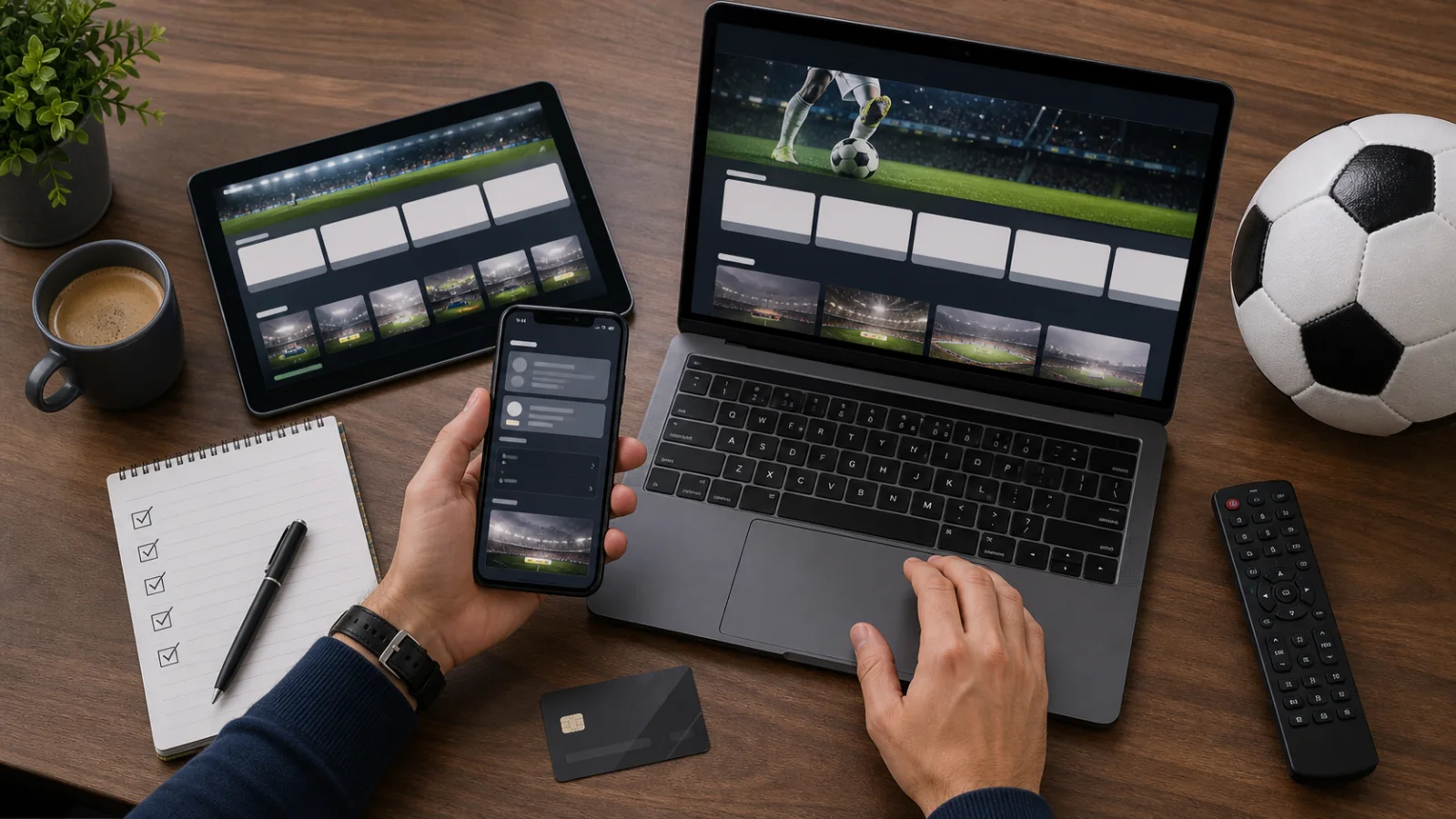
Follow this checklist on the day before kickoff so you have time to resolve an account, app, network, picture or audio problem through official support:
- Run an internet speed test on the playback device and compare it with the service's published requirement.
- Install or update the official broadcaster app for your country.
- Sign in with your legal TV, cable, satellite or live-TV streaming credentials.
- Play a live channel for two minutes and check picture, audio and captions.
- Keep a second official device ready in case the main TV app needs an update at the wrong moment.
Avoiding last-minute streaming problems legally
Do not rely on location tricks, mirror sites or unofficial feeds. They can disappear during peak matches, create account problems, and expose your device to malware or fake player updates.
The legal reliability checklist is simpler: use the official rightsholder for your country, test the app early, prefer Ethernet for the main TV, and keep an official mobile backup ready for casting.
Use the official match calendar
Schedules and kickoff times can be updated. Bookmark FIFA's official schedule and the rightsholder's local listing rather than relying on an old social graphic.
- The opening match took place in Mexico City on 11 June 2026.
- The tournament includes 104 matches and a new Round of 32.
- Matches are staged across 16 host cities in Canada, Mexico and the United States.
- The final is scheduled for 19 July 2026 at New York New Jersey Stadium in East Rutherford.
Final word
The World Cup is too important to leave to a broken app update or an unsafe link. Use the legal broadcaster available in your country, prepare the device in advance, and test the exact screen you plan to use before the first whistle.