
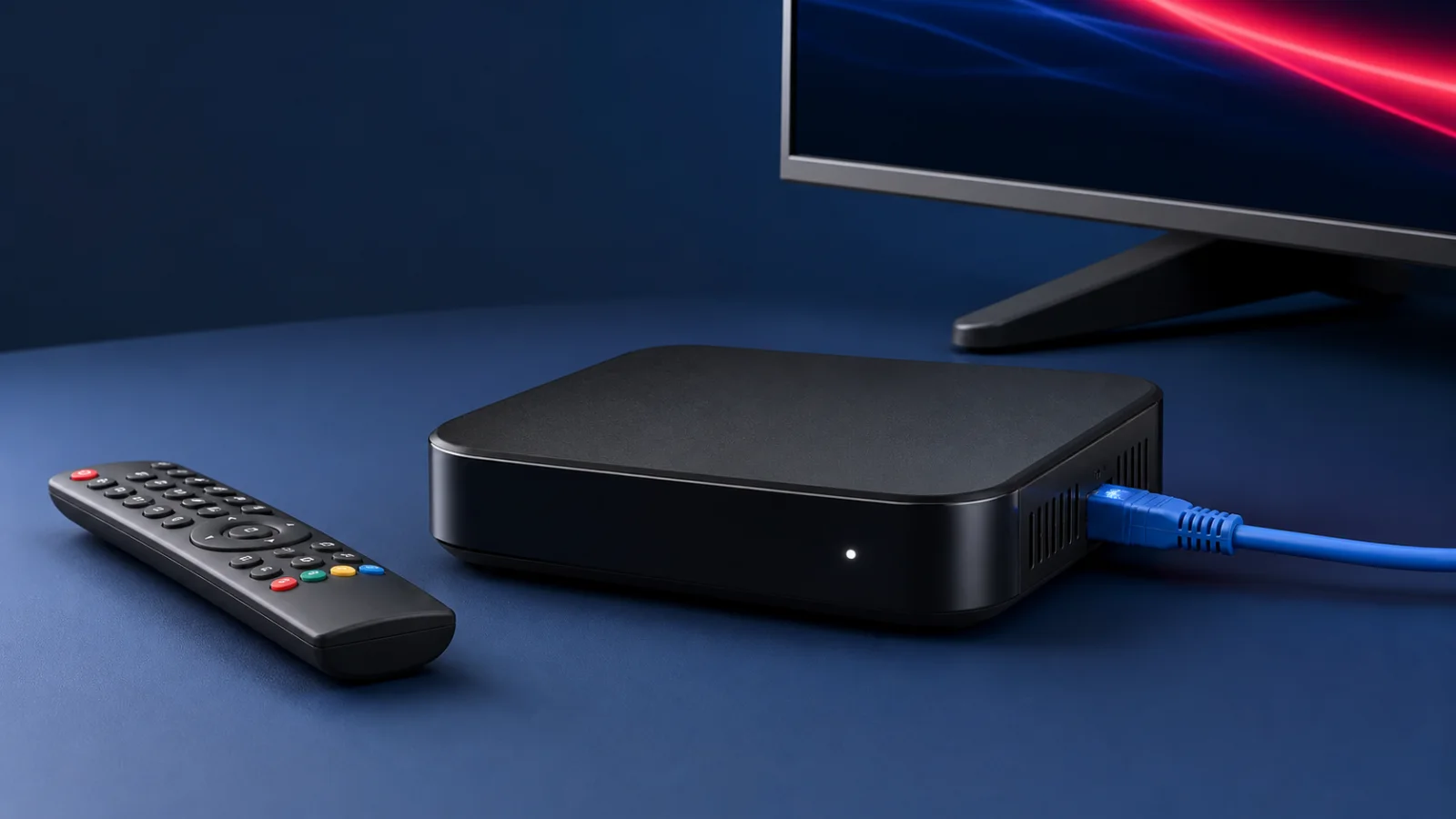
MAG 254 · 256 · 322 · 324 · 420 · 524 · STB EMU
Configure a compatible MAG or STB device with a portal issued by an authorized provider. Menus and supported formats vary by model and firmware.
Before you start
Many MAG and STB portal workflows use a device identifier or MAC address. Confirm the supported method for the exact model, share the identifier only through a private support channel, and use only a portal the provider is authorized to issue.
Step 1 — Find the required device identifier
-
Check the device label and its portal or system-information screen for the identifier required by your provider. Do not assume every printed network address is the portal ID.
-
If support requests the identifier, send it privately by email at support@ipsmart.live or another contact option published on this site.
-
Connect the box to the TV and internet, then install official firmware updates available for the exact model.
Step 2 — Open the portal settings
-
Open Settings and locate the server or portal menu. The path varies by MAG model, firmware and STB application, so consult the official device manual if the option is not present.
Step 3 — Configure the authorized portal
-
Open the available portal entry and add a recognizable name.
-
Enter only the portal URL sent through an official ipSmart contact channel for your account.
-
Check the URL carefully, then save and exit without sharing a screenshot containing account data.
-
If the model does not support the required portal format, ask support for a compatible, authorized setup method.
Step 4 — Restart and test
-
Restart the portal or power-cycle the device after saving the settings.
-
Allow the portal to load, then test content included in your plan. Loading time and available features vary by device, provider and connection.